
01
A partial memo for fandom and hobby spending
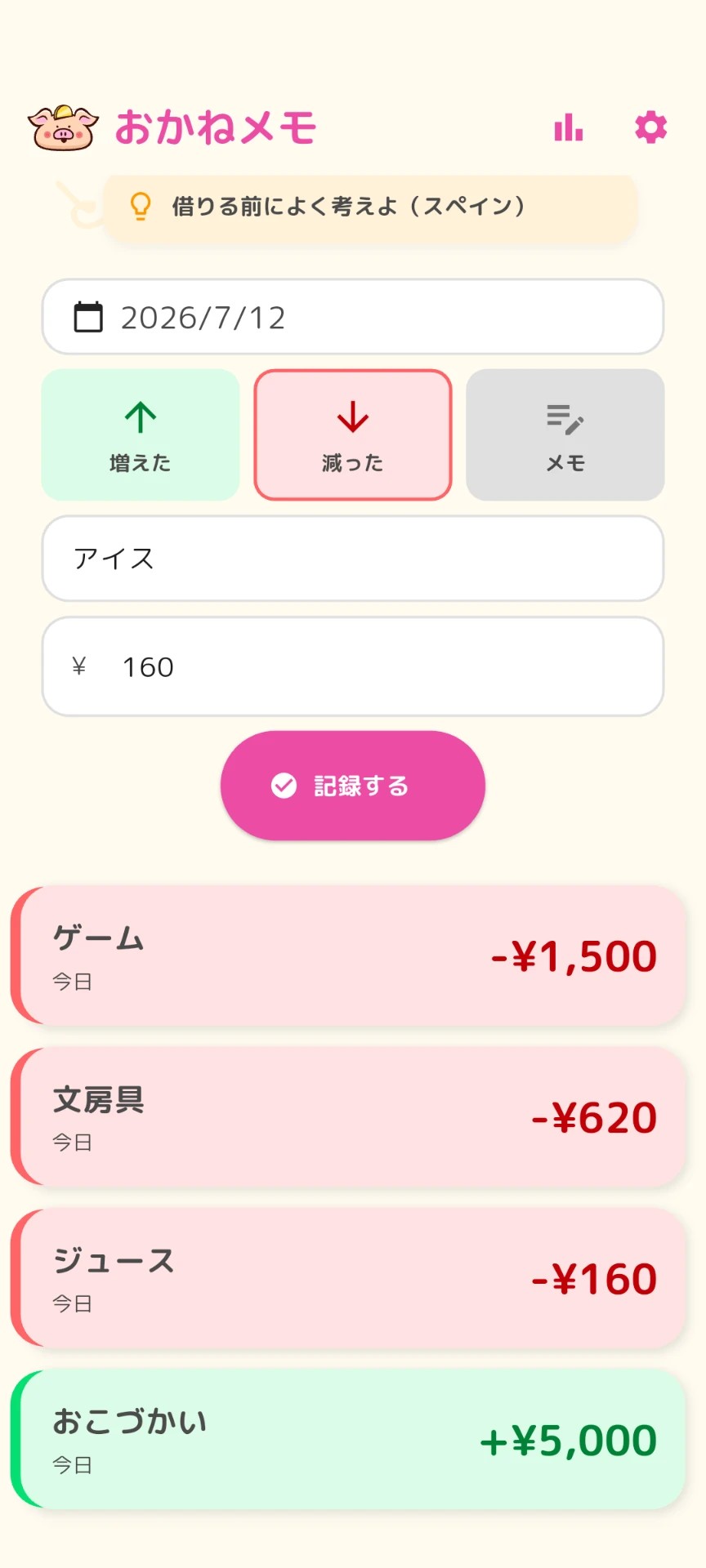
Skip the full household budget. Casually record only the money you spend on fandom, hobbies, and the things you enjoy.
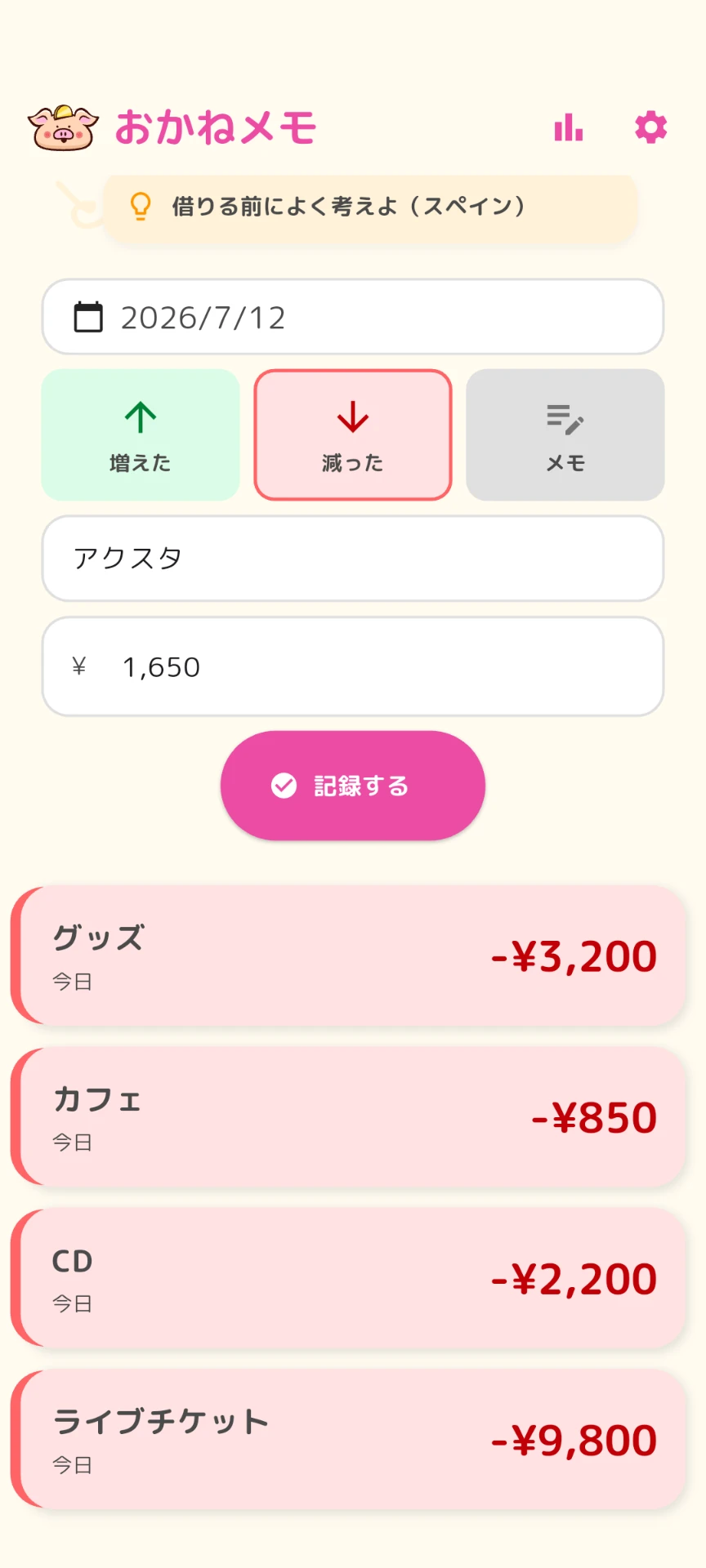
A money log for people
who gave up on budgeting apps
Less effort. Easier to keep going.
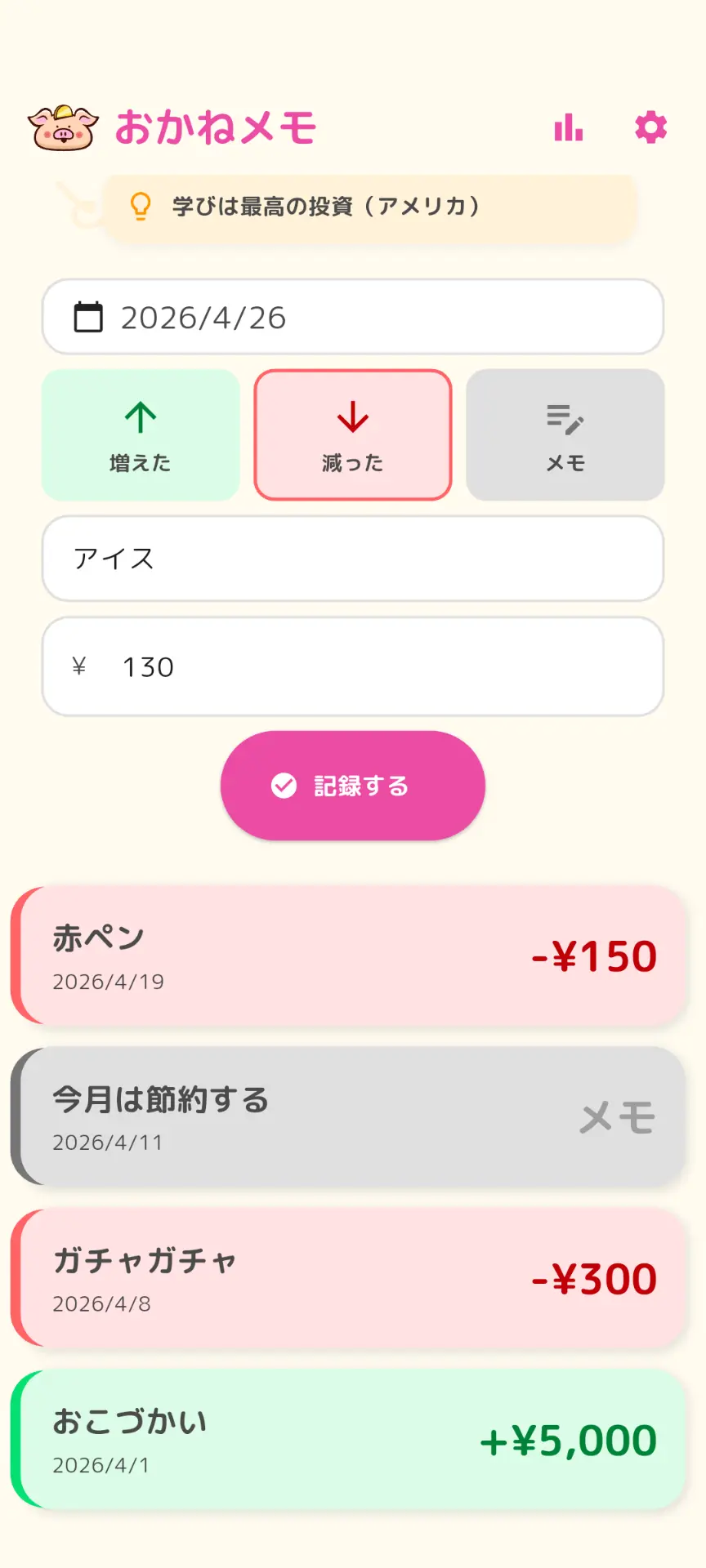
Just enter what you spent and how much.
No balance tracking, no categories,
no pressure to manage everything perfectly.

REASON

Starting strong, then fading
Categorizing feels like a chore
One small mismatch ruins it
One day, you just stop opening the app
So we cut down on
the "proper management" part.
FEATURES
01
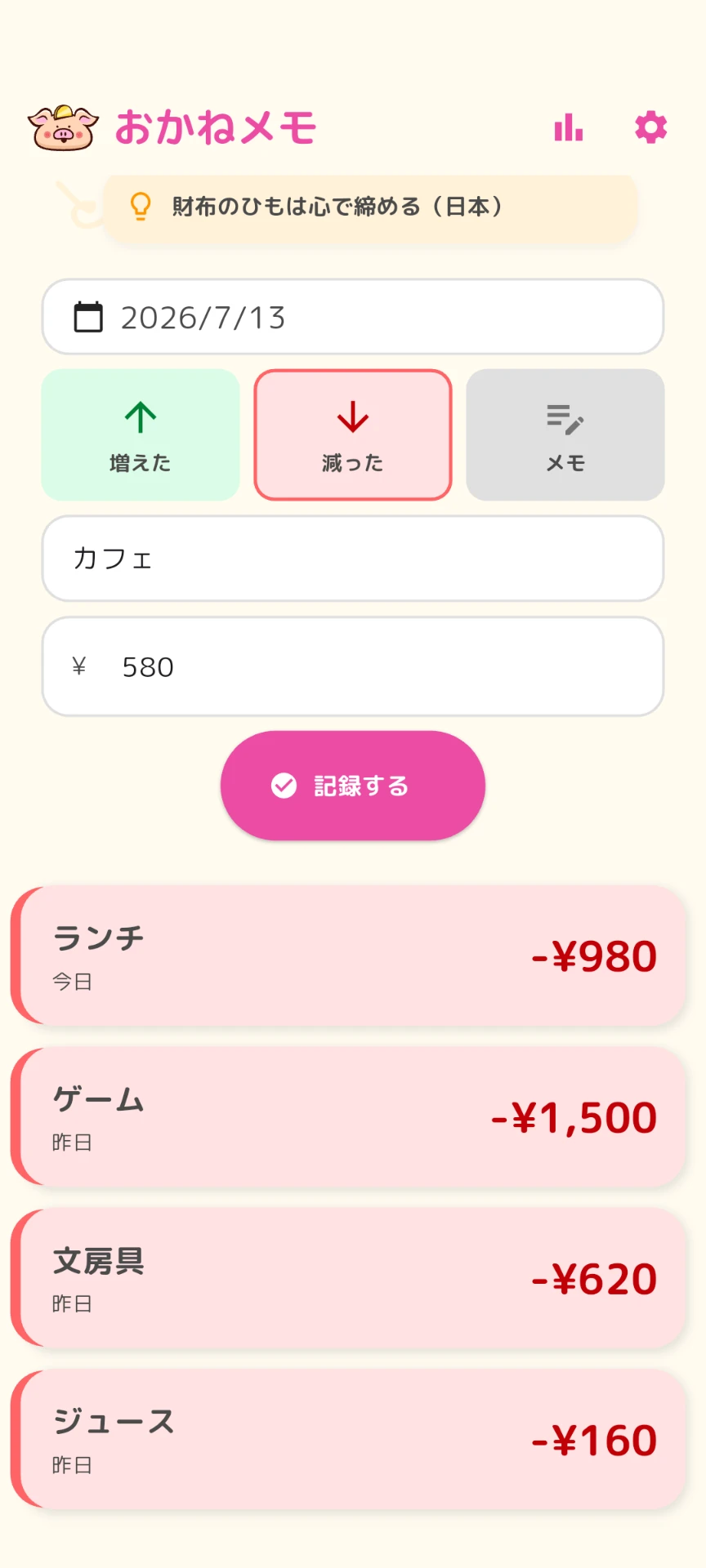
No confusing fields. When you notice an expense, you can log it in about three seconds.
02
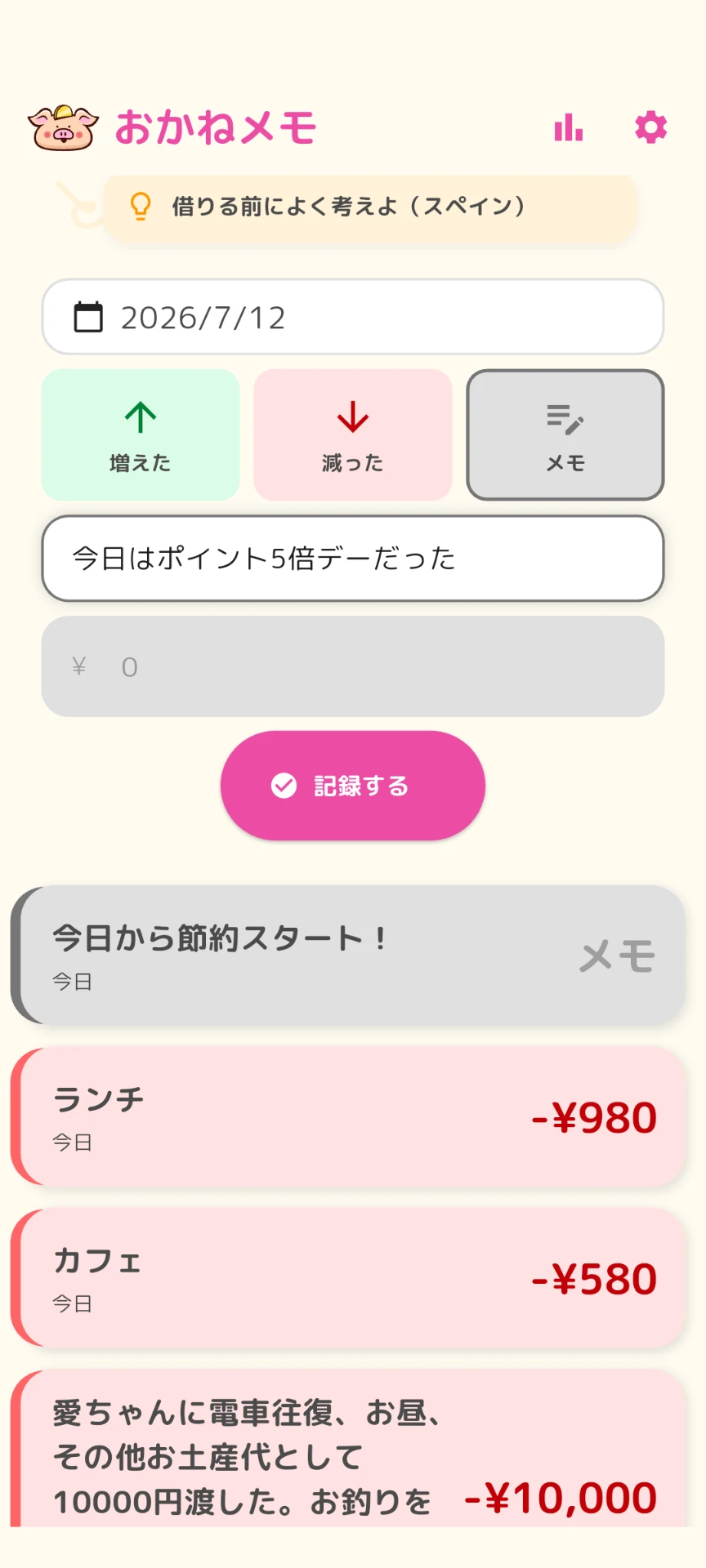
A short note like ?starting to save today? can be a record too. You do not have to force every entry into an amount.
03
There is no balance to fix. You can leave the stressful work of correcting numbers behind.
04
You do not have to wonder which category something belongs in. Write it in your own words and move on.
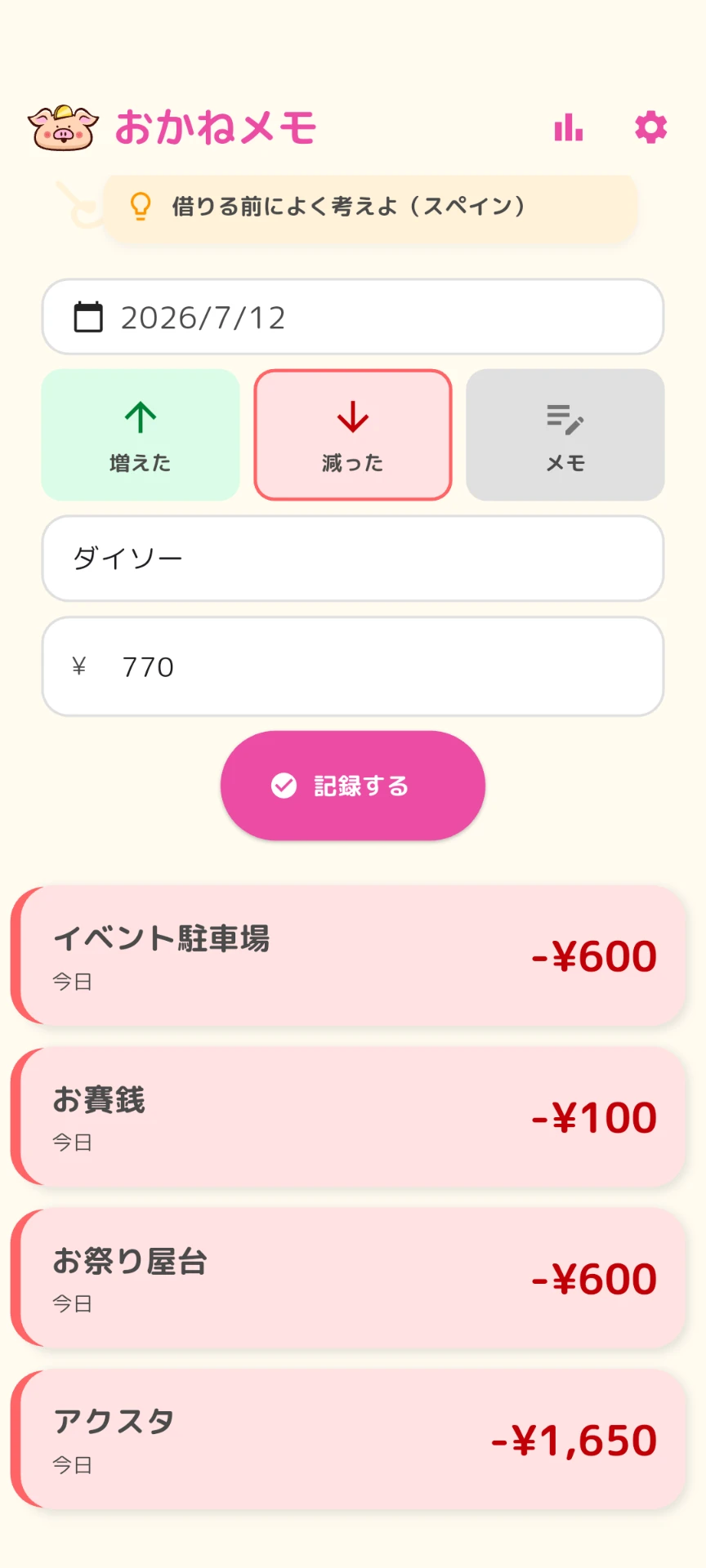
Rather than "managing perfectly",
we value keeping the habit going.
USE CASES
You do not have to track everything. You can casually record only the expenses you care about.
01
Skip the full household budget. Casually record only the money you spend on fandom, hobbies, and the things you enjoy.
02
No need to be strict. Keep only the expenses that caught your attention, in the easiest money-recording style.
03
The input is simple, so it works for a first allowance log and for students who want a money record they can keep using.
PHILOSOPHY
Logging every expense.
Sorting categories.
Balancing to the last cent.
If you can do all that,
there are more powerful apps out there.
Money Memo is for the people
who found that too much to keep up with —
so we lowered the bar for recording
as far as we could.
FUN

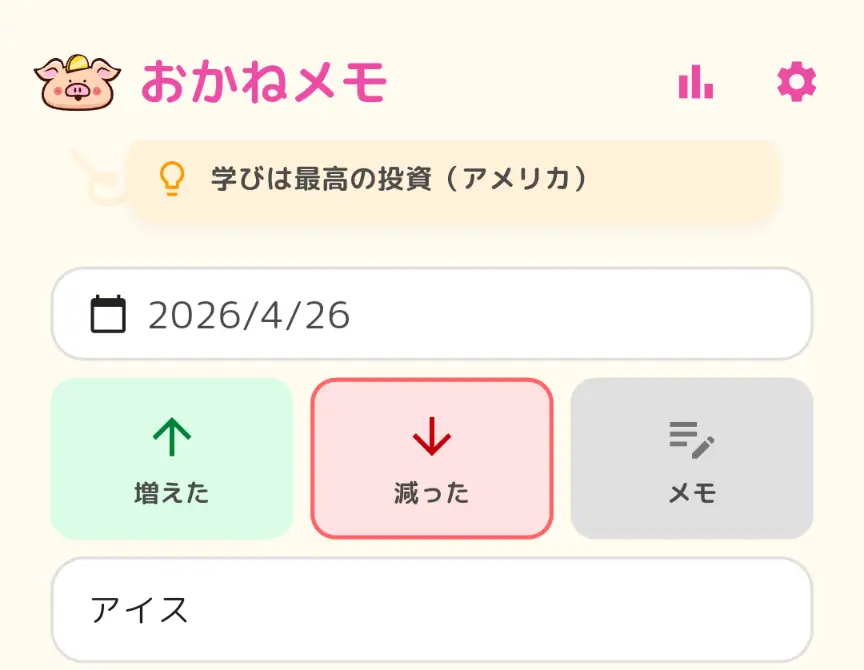

On milestone days, the little character celebrates right along with you.
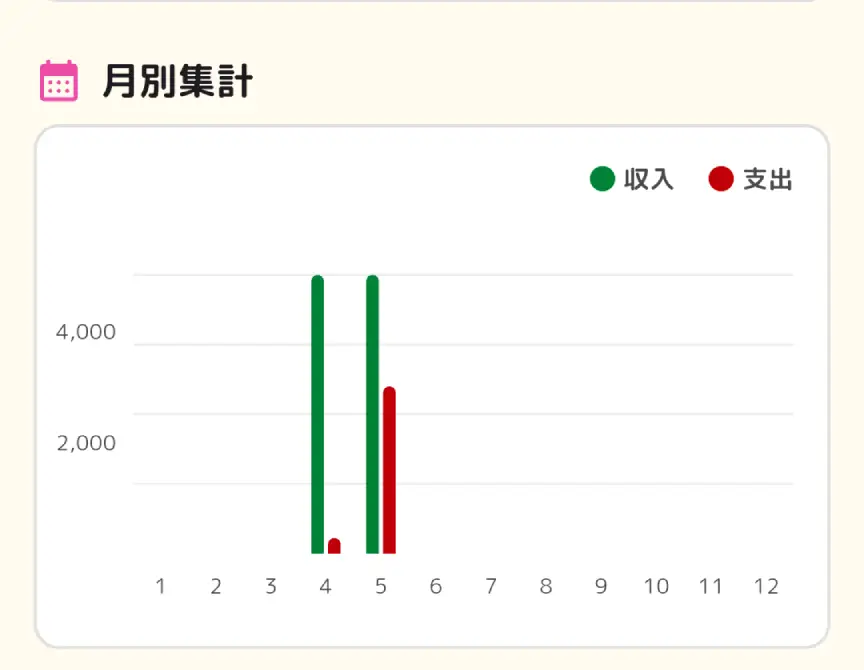
The fun isn't just decoration —
it's a little helper that keeps you going.
Money Memo started as an allowance log I made for my child.
With a paper notebook, the notebook itself kept getting lost. And whenever a purchase went unrecorded, the balance never matched. Even saying "close enough is fine" didn't help — the mismatch itself was stressful. So I decided to lower the bar for recording instead.
While building the app, I realized something: adults stumble in exactly the same places.
It feels like a chore.
We forget.
And once the numbers stop matching, we quit.
That's why Money Memo is built as
a money log you can actually keep —
for kids and adults alike.

FAQ
Yes. Money Memo is completely free and has no ads.
No. It started as an allowance log for a child, but it is also designed for adults who have struggled to keep using budgeting apps.
Yes, but it is not a detailed budgeting app. It is best for casually recording the expenses you care about.
No. Money Memo does not show a balance. It focuses on recording what you spent, so a small mismatch does not stop you from continuing.
No. There are no categories. The goal is to make logging quick, simple, and low-friction.
No. There is no automatic bank or credit card connection. Instead, you can record expenses manually in your own words.
DOWNLOAD
Start by letting go of
"managing everything".